What is a Microsoft Teams Rooms space?
In a Microsoft Teams Rooms space, the room itself joins the meeting. It has its own account, you invite it in Outlook the same way you book a room, and the meeting starts with one touch on the console. Nobody has to plug in a laptop.
That’s the big difference with a “bring your own laptop” room, where someone connects a USB cable to use the room’s camera and microphones. It works, but every meeting depends on somebody’s laptop, its drivers and its updates. In a Teams Rooms space, the experience is the same every time, no matter who organized the meeting.
What a Teams Rooms installation includes
A Teams Rooms space is more than a camera above a display. A complete installation covers:
- The Microsoft Teams Rooms licence for the room
- The room’s Microsoft 365 resource account
- A certified Teams Rooms system, on Windows or Android
- The touch console on the table or the wall
- The camera, chosen for the size of the room
- Audio pickup and speakers
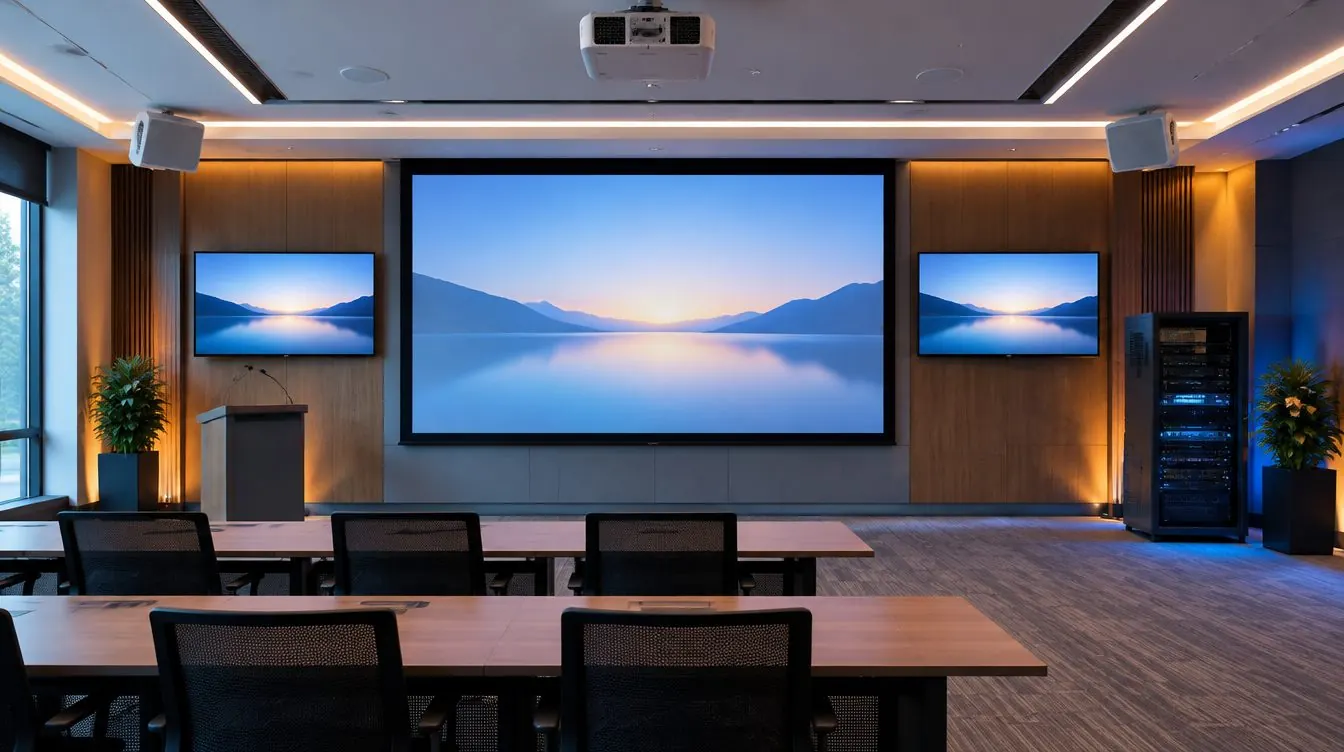
- One or two commercial displays and their mounts
- If needed, a booking panel at the door
- Concealed cabling, commissioning, audio tuning, training and documentation
The licence. Every room needs a Teams Rooms licence. Microsoft offers a basic version and a Pro version. Pro adds the advanced room features and remote management through the Teams Rooms Pro portal, which pays off as soon as you have several rooms. We tell you which one fits your situation.
The resource account. This is the room’s identity in Microsoft 365: a room mailbox with the licence assigned. It’s what you invite in Outlook and what shows the meeting on the console. We set it up with your IT team, or walk them through it step by step. An account that’s ready before installation day saves a full day.
Teams Rooms on Windows or Android?
Both are certified by Microsoft and give users the same Teams experience. The difference is in the hardware.
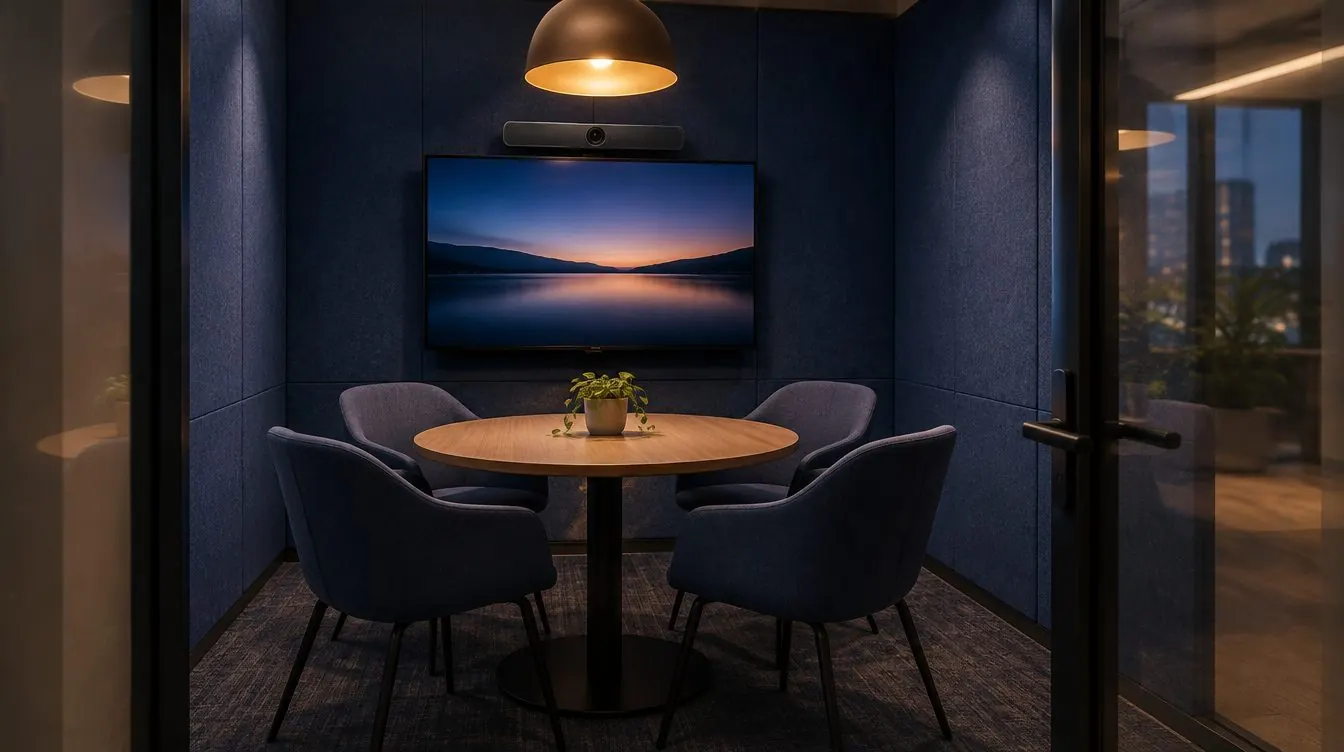
- Android: an all-in-one video bar (camera, microphones and speakers in one device) and a touch console. Fewer parts, quick installation. Often the best choice for a small or medium room.
- Windows: a small computer dedicated to the room (Yealink calls it the MCore) connected to the console, cameras and microphones. More flexible: several cameras, ceiling microphones, external audio processing. The choice for large and flexible rooms.
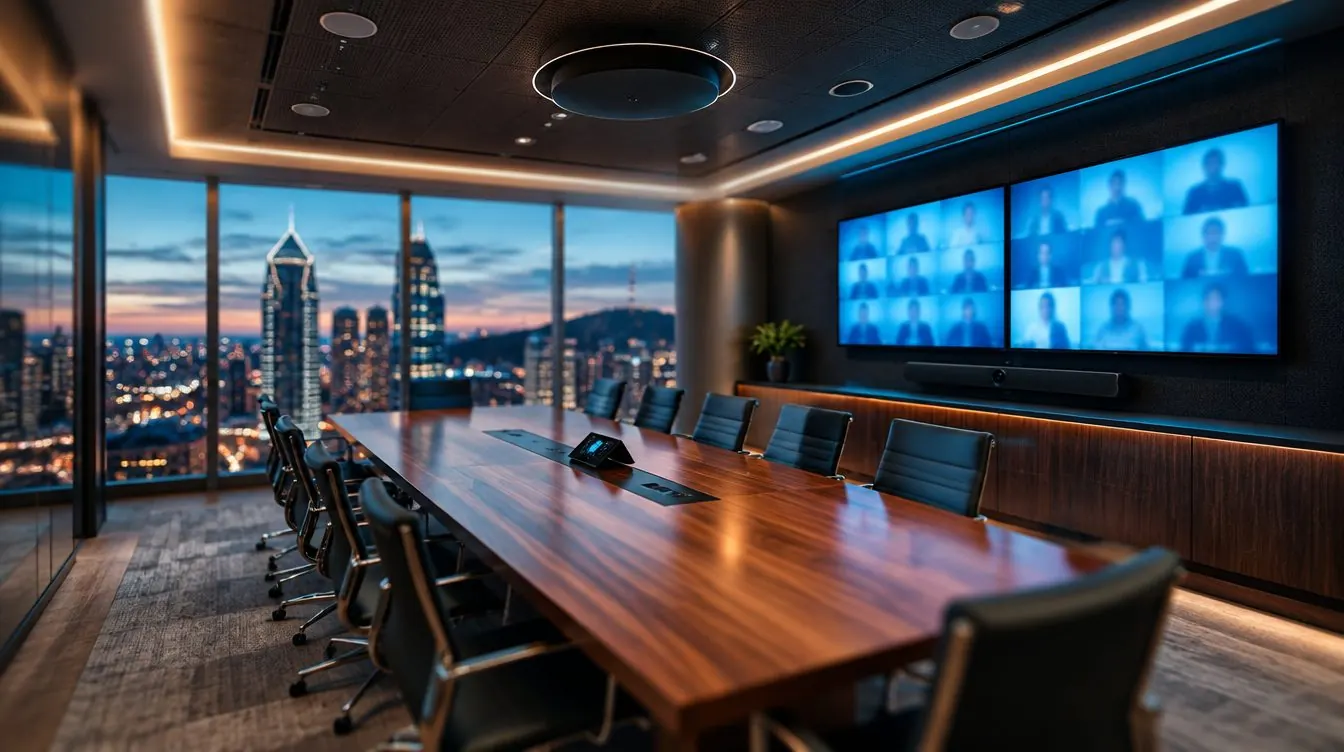
In Brossard, the large flexible room of a professional services firm runs a Yealink MVC S80 system on Windows, with a four-lens 4K camera, a second camera, two Sennheiser ceiling microphones and a Q-SYS processor. A video bar alone would never have covered that space.
One detail that prevents a lot of headaches: the client’s network jack must be in the same spot as the MCore. If the room computer sits in a cabinet or behind the display, the network jack goes there too.
Camera, audio and displays: sizing to the room
We size the equipment to the room, not the other way around. A video bar is excellent in a small room. Once the table seats more than 6 to 8 people, voices at the far end sound distant to remote participants: we then add table or ceiling microphones and distributed speakers.
Sound matters more than picture: a camera that follows whoever speaks only helps if the microphones pick up every voice.
A few rules we apply on every installation:
- Centre of the display 50 inches from the floor and the camera lens at 45 inches: remote participants look you in the eye, not down from the ceiling.
- The farthest seat should be no more than 4 to 6 times the image height away. Beyond that, a larger display or two displays.
- Commercial displays, LG by default, built for daily use.
- TVs are never connected to the network: they’re controlled locally, by infrared.
- A Yealink camera is powered over the network (PoE) only when the room has an AVHub; otherwise it gets its own power adapter.
- When the room includes a Yealink RoomSensor, it always goes on the ceiling.
The booking panel at the door
A booking panel at the entrance shows whether the room is free: green means walk in. People can book on the spot, and no-show meetings are released. At a video game studio’s Montreal headquarters, every door has one, from the two-seat focus room to the boardroom.
Yealink’s is the RoomPanel; Logitech’s is the Tap Scheduler. The panel uses the same resource account as the room, so there’s nothing extra to manage.
The steps of a Microsoft Teams Rooms installation
- 20-minute call: you describe the room and what isn’t working. We tell you honestly whether we can help.
- Site visit and plan: on-site survey, plan and elevation drawings, a detailed quote room by room.
- IT preparation: resource account, licence, network. We give your team the list of what’s needed.
- Installation: our own technicians and cabling, on your schedule, evenings included.
- Commissioning: platform setup, on-site audio tuning and a test call to hear what your remote colleagues will hear.
- Training and documentation: hands-on training for your team, then a single number to call afterwards.
How long on site? For a typical room, one to two days. The large flexible room in Brossard was delivered in two days, training included. Overall lead time depends mostly on equipment availability and account preparation; we confirm it in the quote.
Common mistakes
- Choosing equipment before measuring the room and counting the seats.
- Thinking about the resource account and licence on the morning of installation.
- Putting a lone video bar in a 12-seat room.
- Forgetting the network jack next to the room computer.
- Planning cabling after the walls are closed: floor box, conduit, power.
- Handing over the room without training anyone.
Why a local integrator in Montreal
Our office, warehouse and showroom are in Boucherville. Downtown towers, South Shore head offices, offices in Laval or on the North Shore: our technicians are close by, know the building rules (loading dock, elevator, evening work), and the same people come back for support.
Since 2012, more than 500 clients have trusted us with their rooms, with a 100% rating on 30 Facebook reviews. We hold RBQ licence 5847-0600-01 and $5 million in liability insurance. After installation, a video conferencing service call is a flat CA$310.
Want to see a Teams Rooms space before you buy? Book a free demo in our Boucherville showroom. For budgeting, our Pricing page shows the ranges by room size.
Meeting rooms and video conferencingControl systemsSupport and maintenance