Why standardize your rooms
Your people move between offices. If they have to relearn every room, they call support, or they’re late to the meeting. A one-touch start that’s identical from room to room eliminates most of those calls.
Standardizing also helps the budget: equipping several identical rooms costs less per room, because they share the same design and the same programming. And it makes life easier for your IT team: same devices, same updates, same spare parts.
Defining a room template for each format
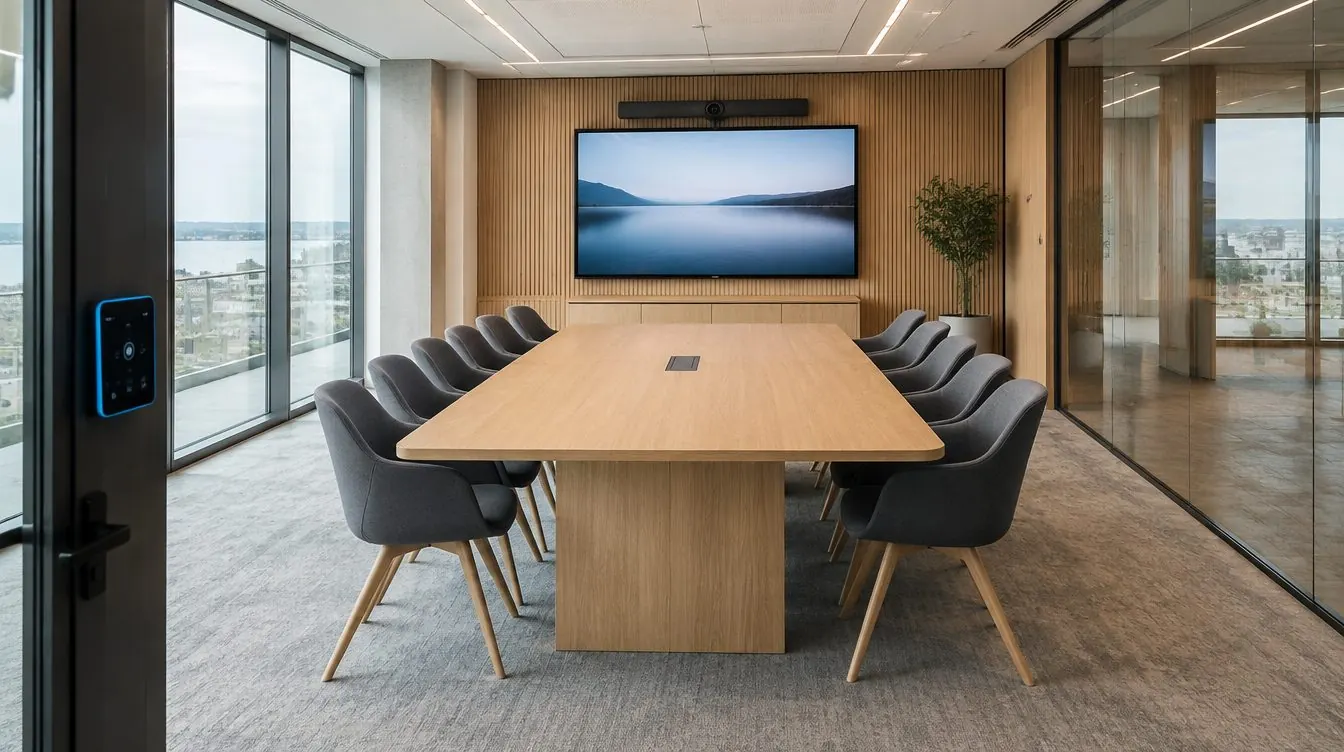
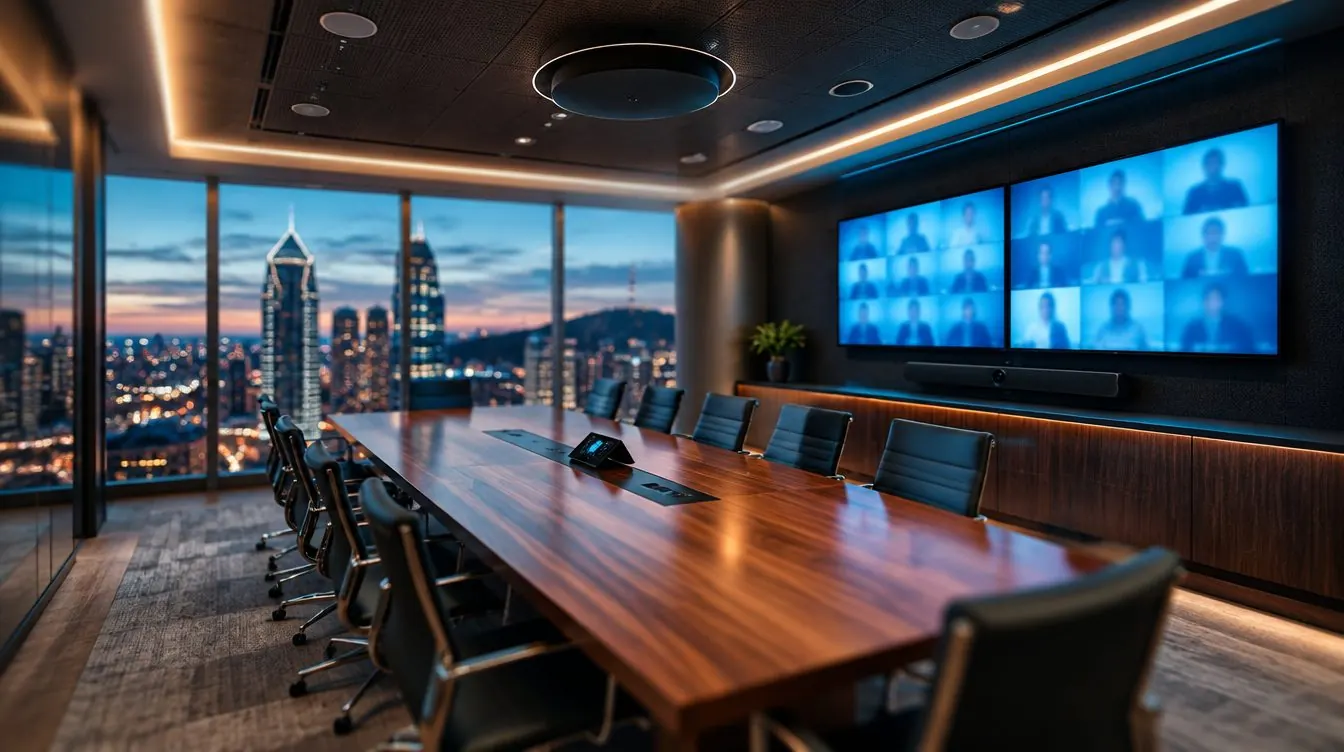
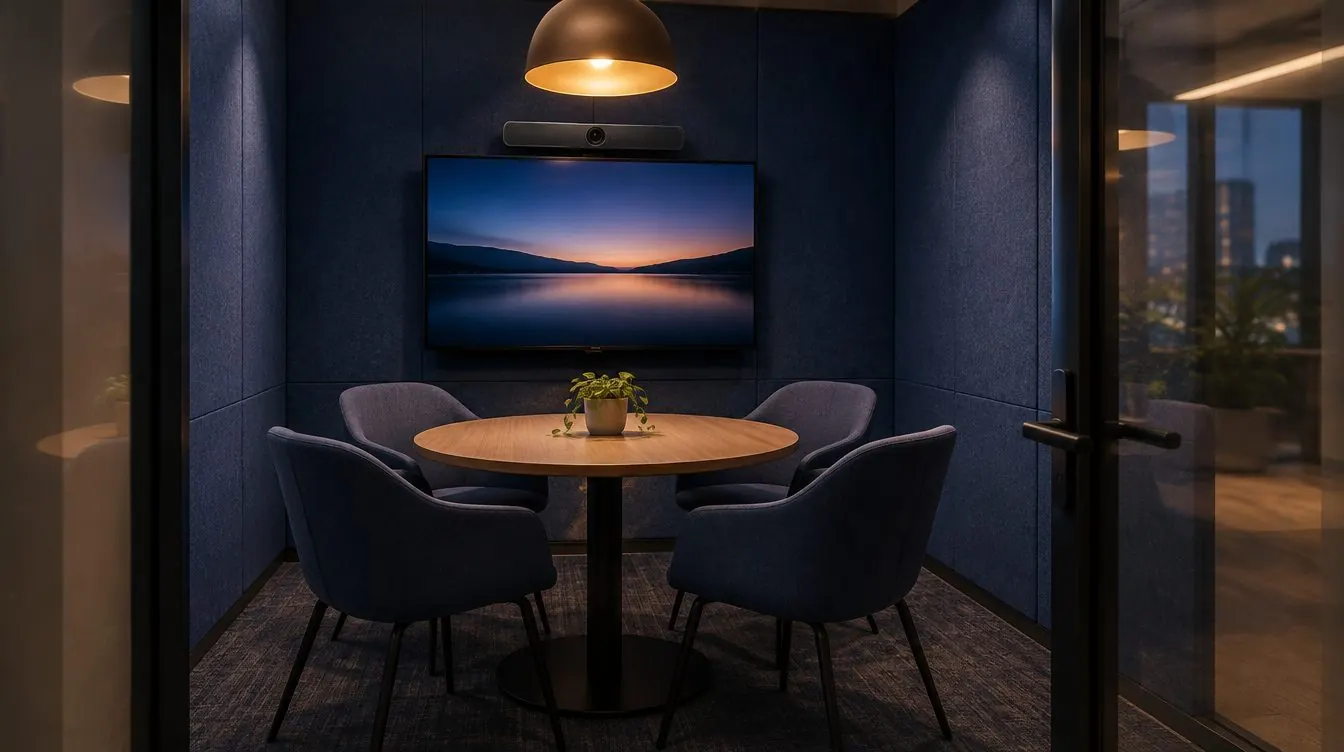
The heart of a multi-site rollout is the template: a standard design for each room format, reproduced everywhere. Three formats are usually enough: small room, medium room, large room or boardroom.
For each template, we set:
- The platform (Teams, Zoom or Webex) and the certified system
- Display size and count, with LG commercial displays by default
- The camera and audio pickup for the number of seats
- The touch console, booking panel and control interface
- Heights: display centre at 50 inches, camera lens at 45 inches
- Cabling: floor box, conduit, power, and the network jack in the same spot as the room computer (the MCore with Yealink)
- Connection rules: displays never on the network, controlled by infrared; Yealink cameras on PoE only with an AVHub, otherwise with their own adapter; RoomSensor on the ceiling
One brand everywhere also means one console to learn, one portal to monitor and one training session.
Start with a pilot room
Before ordering for every office, we install a pilot room. Real users work in it for a few weeks, we adjust the template (one more camera or microphone, a control scenario), then we roll out.
That’s the approach a downtown Montreal software publisher followed: a pilot room installed in spring 2026, then the rest of the floor, from small rooms to the boardroom, between July and October. At a Boucherville head office, a Shure microphone was added a few weeks after handover to better pick up the end of the table: exactly the kind of adjustment a pilot room catches before the template is reproduced.
Identical rooms: same design, same programming
When two rooms are identical, they share the same plan, the same wiring diagram and the same programming. A user who knows how to start a meeting in Montreal knows how to do it in any other office.
At the funeral complex in Laval, an identical RTI touch panel on every floor lets staff pick the source and set the volume the same way everywhere, across three floors. At a head office in Saint-Bruno, several conference rooms received the same certified video conferencing system, with the same experience from room to room.
Central management
With several offices, nobody can walk through every room each morning. Monitoring and updates happen remotely:
- Teams Rooms Pro licence: Microsoft’s management portal shows the status of all your Teams rooms, whatever the brand.
- Manufacturer portals: Yealink and Logitech each have their own cloud portal to monitor and update their devices; Cisco uses Control Hub.
- Large deployments: Crestron XiO Cloud or Q-SYS remote monitoring when control and audio are centralized.
We decide with your IT team who gets the alerts and who does what. Your team keeps control of the platform; we hand over the documented configuration.
The rollout schedule
- Inventory: list of offices, rooms and what’s already in place.
- Templates: a standard design per room format, with a room-by-room quote.
- IT preparation: resource accounts, licences and network in each office.
- Pilot room: installation, user testing, adjustments.
- Rollout in waves: one office or one floor at a time, often in the evening so rooms stay available.
- Commissioning and training at each site, then final documentation.
For a typical room, plan one to two days on site. Total duration depends on the number of rooms, equipment availability and cabling work; we build the schedule with you, office by office, taking each building’s rules into account.
In Quebec and Ontario
Our office is in Boucherville, and we install across Greater Montreal, the South Shore, the North Shore, Laval, throughout Quebec and in Ontario. On a multi-site rollout, our own technicians travel, with the same templates and the same way of working from one office to the next.
For example, we support the Yealink rooms and touch control panels of a public transit organization in its Longueuil and Saint-Hubert offices.
Documentation and training
A multi-site deployment lives for years. The documentation must let anyone understand a room without ever having set foot in it:
- Plan and elevation for each room
- Wiring diagram and labelled cables
- As-built equipment list and configuration
- A user guide for the room
Training happens on site, at each location: users, the people who organize meetings and your IT team. New employees can be trained later.
Support after the rollout
After handover, you have a single number. Our technicians have your room plans on file, work remotely and on site, and make a follow-up call after every project. Updates, a platform change, an unplugged cable: we take care of it. A video conferencing service call is a flat CA$310.
Since 2012, more than 500 clients have trusted us with their rooms. We hold RBQ licence 5847-0600-01 and $5 million in liability insurance. For budgeting, our Pricing page shows ranges by room format; for a rollout, we give you a room-by-room quote.
Meeting rooms and video conferencingAudio-video integrationSupport and maintenance